Out now on Android. Coming soon to iPhone.
Catch yourself
before you nod off.
If Drowsly detects signs you may be drifting off with your phone in hand, it can gently nudge you to rest. No streaks, no shaming. Just a calm boundary for your late-night screen time.

- On-device
- No account
- No tracking
- iPhone & Android
For the nights you stay up later than planned.
When “just five more minutes” turns into two hours, it’s hard to notice the moment you start to drift. Drowsly looks for signs you may be drifting off — and can gently nudge you to put the phone down.
How it works
Three quiet steps. You stay in charge.
-
It looks for the signs
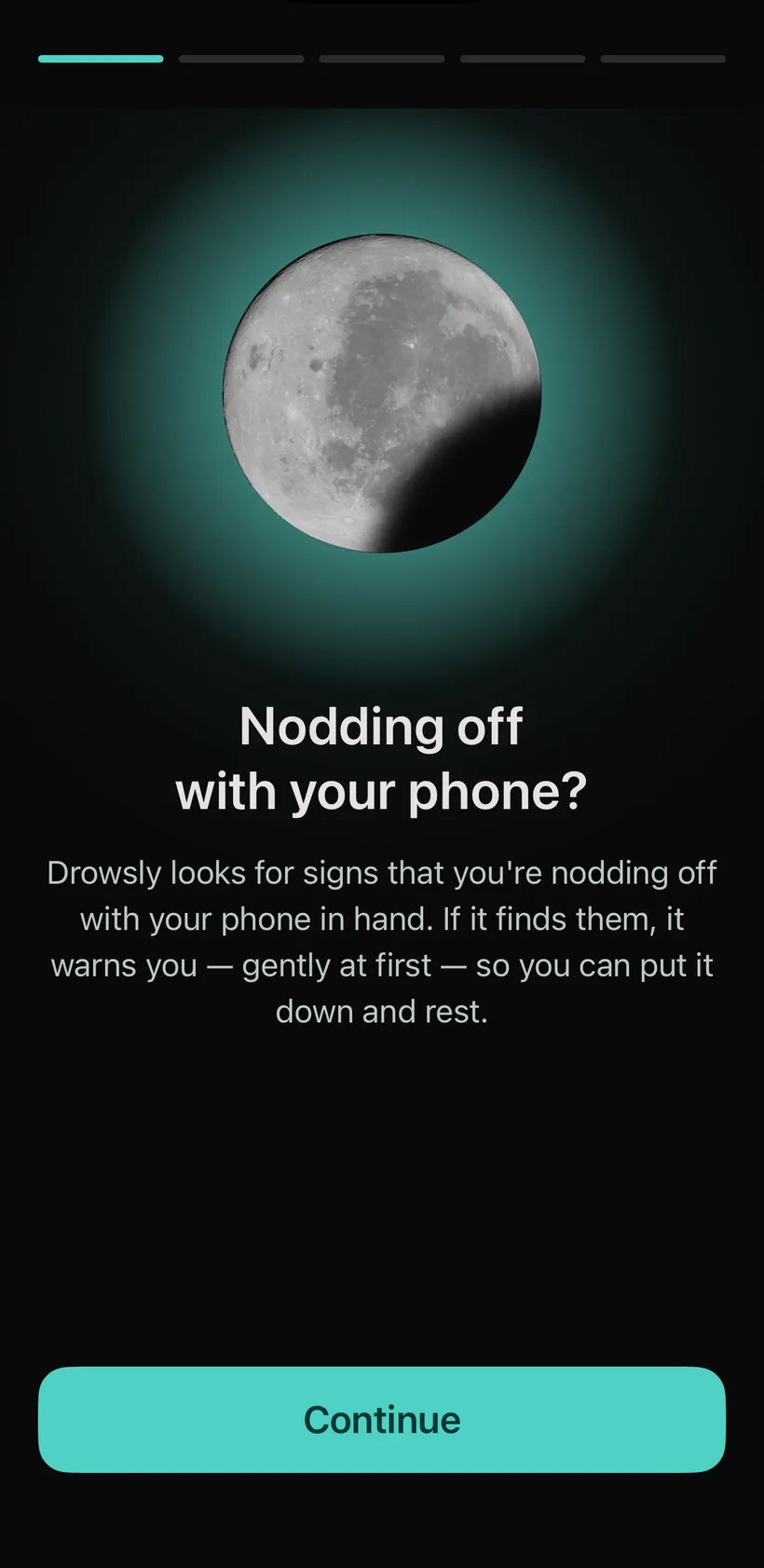
Drowsly quietly looks for signs you may be starting to drift off — all of it on your device, with nothing sent to us.
-
It nudges, gently
A silent “Drifting off?” first, then a soft vibration. If you don’t respond, later warnings get stronger one step at a time.
-
You stay in control
“I’m awake” resets it instantly. “5 more minutes” buys you time. No streaks, no guilt, no lectures — a partner, not a parent.
A calm place to land
Designed to be quiet.
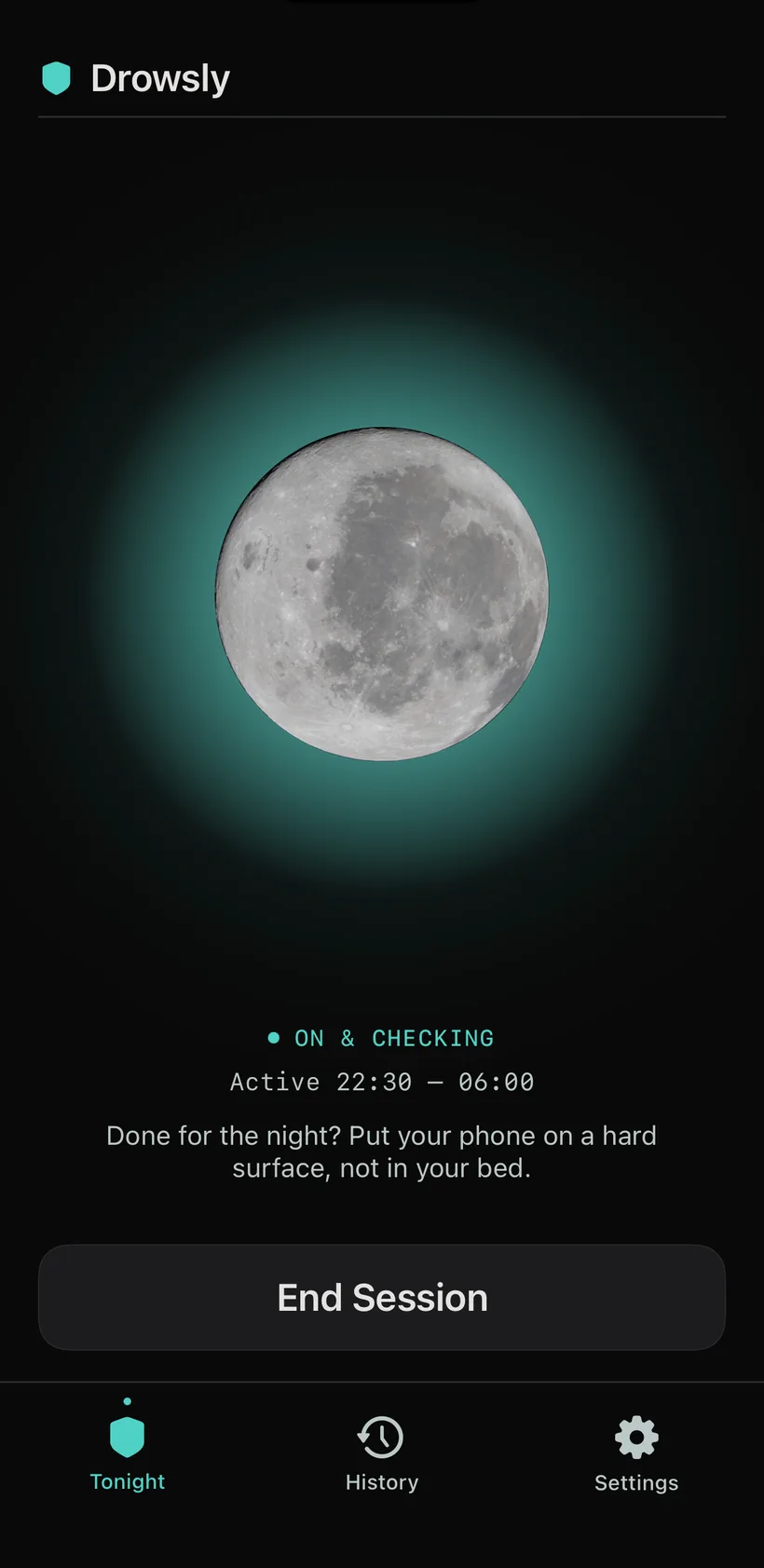
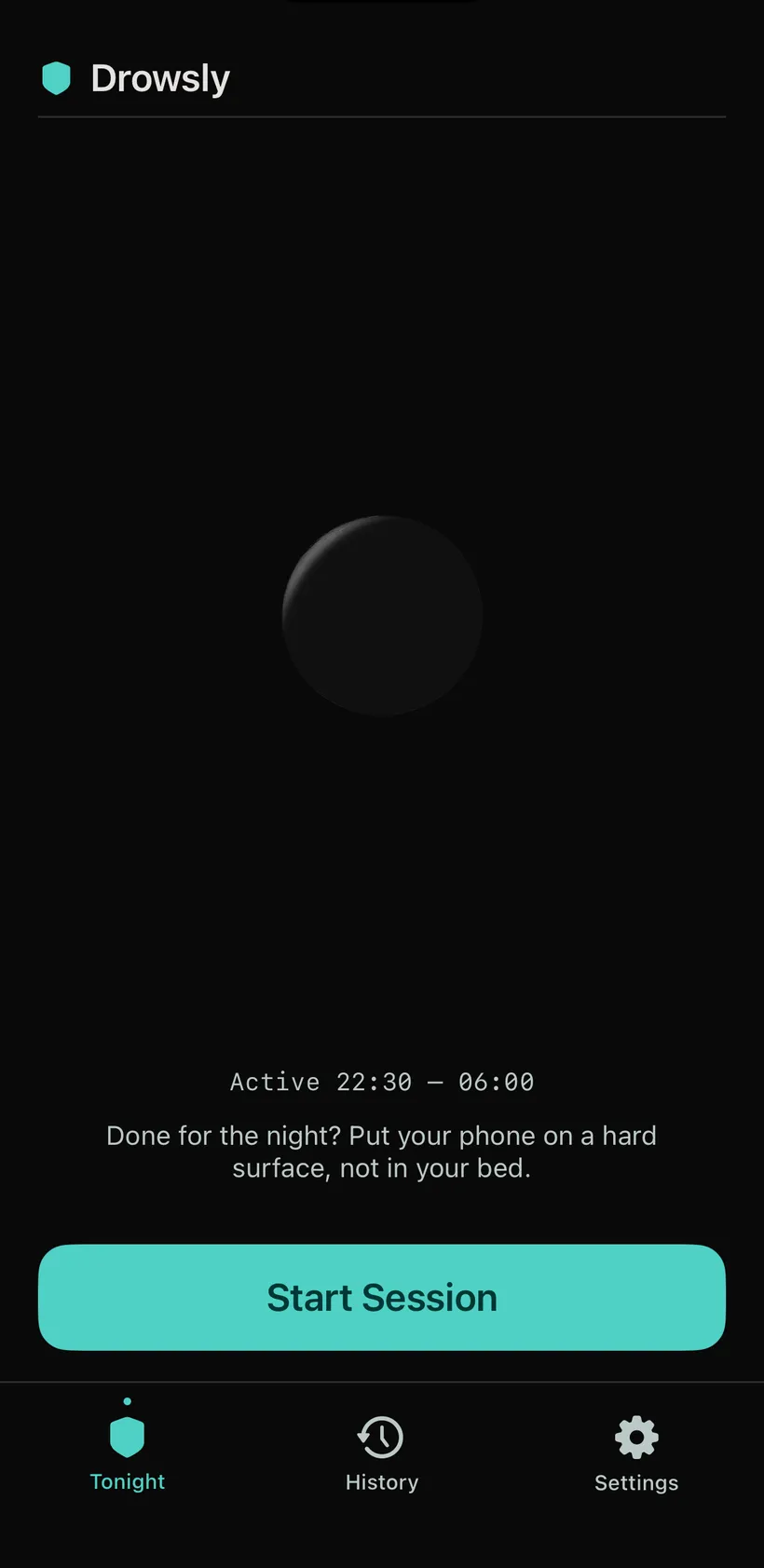
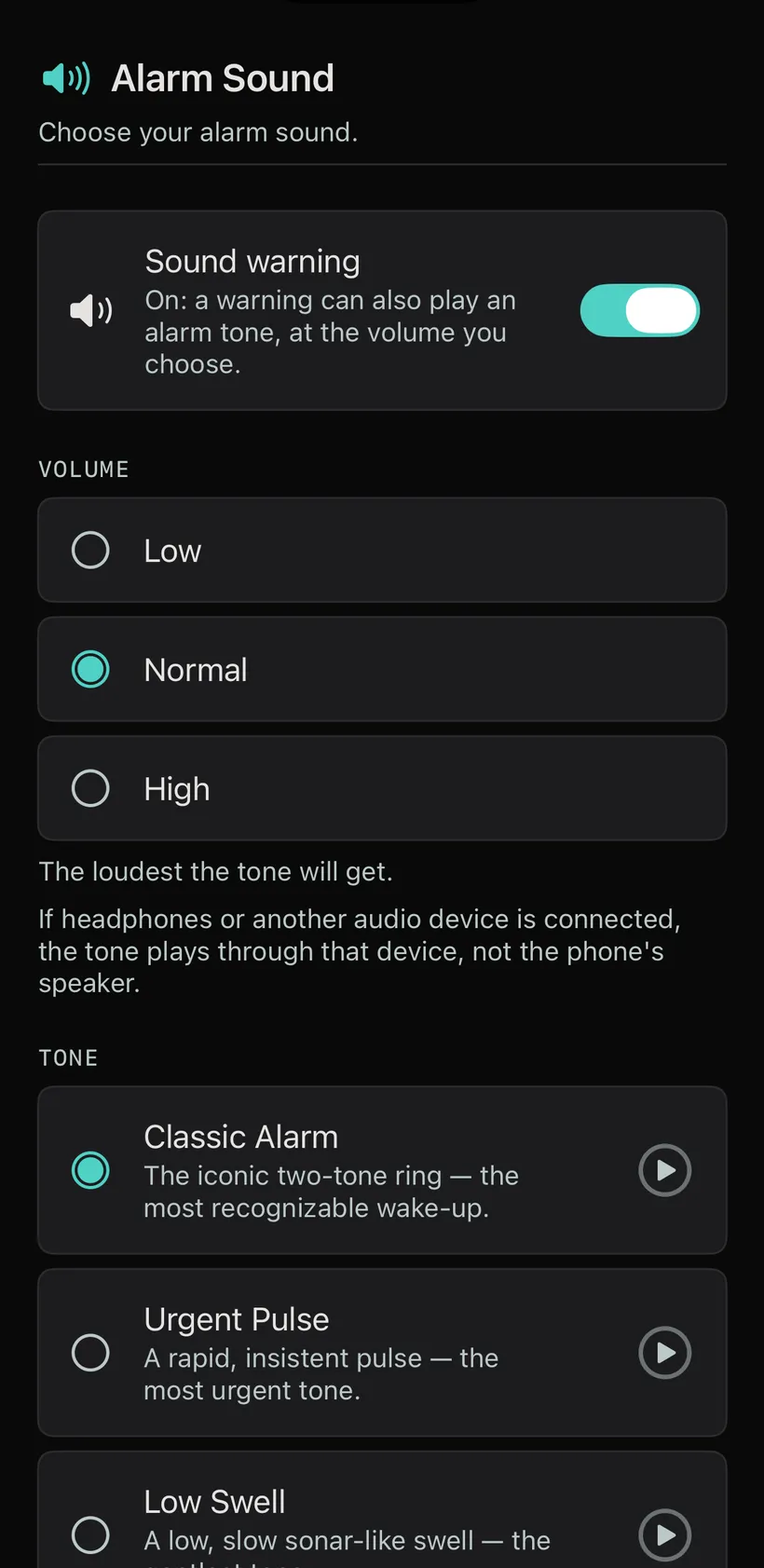
Deep midnight, one calm accent, and a moon that only glows while Drowsly is on. Real screens, no embellishment.
What it does
Small, thoughtful touches for late nights.
-
Your hours, your rules
Set your active hours. Drowsly only checks during the active hours you choose, and turns off when they end.
-
A nudge if you’re fading
If Drowsly detects signs you may be dozing late at night, it can gently suggest it might be time to put the phone down.
-
Pillow Firewall
If Drowsly detects signs that your phone may be under the covers, it can prompt you to check it.
-
Auto-pause your audio
Fading mid-podcast? Drowsly can pause playback when it detects signs you may be dozing, to help you keep your place.
-
Wind down to grayscale
Drowsly’s own screen can fade to gray when it detects signs you may be dozing — a calmer canvas for tired eyes.
-
Kind to whoever’s next to you
Partner silent mode uses no sound, with gentler vibrations before the final wake call.
-
A gentle morning recap
See how the night went without a single guilt trip — awareness, never a scorecard.
-
Private by design
Detection runs on your device. No account, no tracking, and nothing about your nights is sent to us — they stay yours.
Privacy
Your nights stay yours.
Drowsly runs on your phone. No camera, no microphone — ever. There’s no account to create. Detection happens on your device, and your night history is stored there; we never collect or see it. If your phone backs up its apps to iCloud or your Google Account, that backup may include it. The backup is yours, not ours. Drowsly is a calm-tech tool you don’t have to hand your nights to.
Good questions
Honest answers.
What does Drowsly actually do?
Drowsly detects signs you may be drifting off to sleep while holding your phone late at night, and can start with a gentle nudge and add stronger steps if you don’t respond. It uses no camera and no microphone, and it’s an assistive aid for tired, late-night phone use — not a tracker, not a wellness program.
Can it guarantee I won’t fall asleep?
No — and it never claims to. Drowsly is an assistive tool that may help alert you. It cannot detect every situation and does not guarantee you will wake. It is not a medical device. You remain responsible for your own safety — never rely on Drowsly for it.
Is my data private?
Drowsly works on your device — no camera, no microphone, no account. Your night history and settings are stored on your phone, and we never collect or see them. Your phone’s own backup, to iCloud or your Google Account, may include them.
Does it keep working while I’m in another app?
On Android, yes: Drowsly starts itself when your active hours begin and keeps running in the background. On iPhone, no: Drowsly works only while it’s open on your screen. It can send a reminder when your active hours begin, if you allow notifications, so you can open it.
What will it cost?
To use Drowsly, choose an auto-renewing annual subscription — new subscribers start with a 3-day free trial — or Founder Lifetime, a one-time purchase that does not renew, offered for a limited time at launch. Both unlock every feature. When the trial ends, the annual price is charged unless you cancel at least 24 hours before the trial ends, and it renews each year after that. Prices are shown in the App Store or Google Play before you confirm.
Where can I get it?
Drowsly is available on Google Play for Android. The iPhone version is coming soon.
Get Drowsly on Android.
A calmer end to your late nights, now on Android.
Out now on Android. Coming soon to iPhone.